How to Reset Water Filter on Samsung Fridge in 3 Easy Steps

Keeping your Samsung fridge’s water filter clean is key for fresh water and good fridge health. Many find resetting the filter hard, but it’s easy with the right help. This guide will show you how to reset water filter on Samsung Fridge fast and right.

Good water quality is important for your health and taste. The Samsung fridge water filter removes bad stuff, making water clean. Knowing how to reset the filter is vital for your fridge’s health and clean water.

This guide will help you reset the filter, whether it’s after a new filter or to clear the indicator. We’ll cover common reset methods for Samsung fridges. You’ll learn to fix and keep your water filter system working well.

Our expert tips will make resetting the filter easy. You’ll discover different reset ways, know when to change the filter, and learn how to care for your Samsung fridge’s water system.

Understanding Your Samsung Fridge Water Filter System

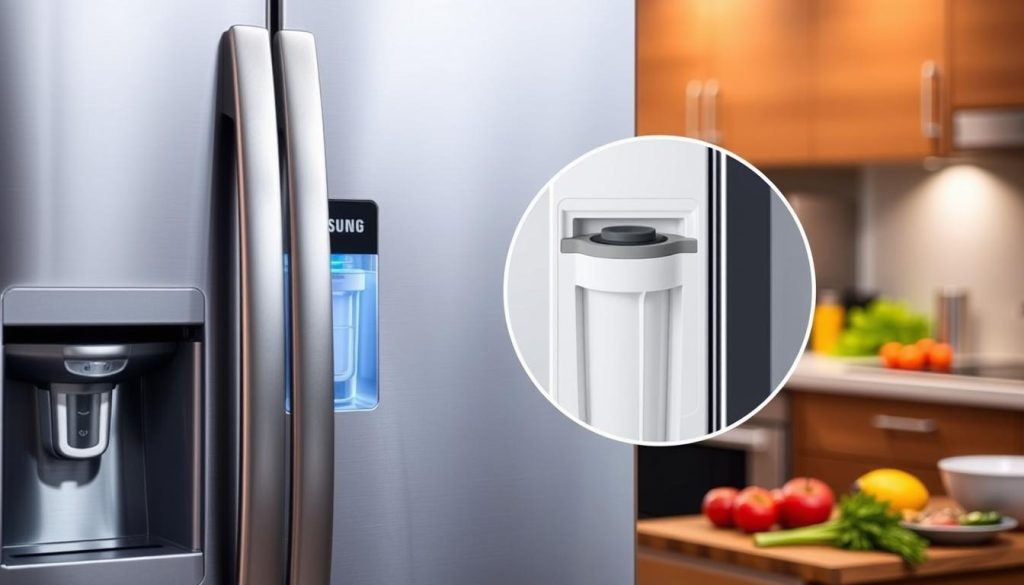
Samsung refrigerators have advanced water filters. They make sure your water tastes fresh. Knowing how to take care of your filter is key for clean water.
Samsung Water Filter System

Samsung Water Filter Varieties

Samsung has many water filters for different fridges. The main types are:

  • Internal refrigerator filters
  • External inline filters
  • Replacement cartridge filters

Decoding Filter Indicator Lights

The lights on Samsung fridges tell you about your filter. They help you keep your water clean and replace filters when needed.

Indicator Color Meaning Recommended Action
Green Filter Working Correctly Continue Normal Use
Yellow Filter Nearing Replacement Plan Filter Replacement Soon
Red Filter Needs Immediate Replacement Replace Water Filter Immediately

Water Filter Replacement Schedule

Replace your Samsung fridge filter every 6-9 months. This depends on how much you use it and the water quality. Regular changes keep your water clean and fridge working well.

Keeping up with filter changes stops water quality problems. It also keeps your fridge running smoothly.

Essential Tools and Preparation Before Reset
Samsung Fridge Filter Reset Preparation

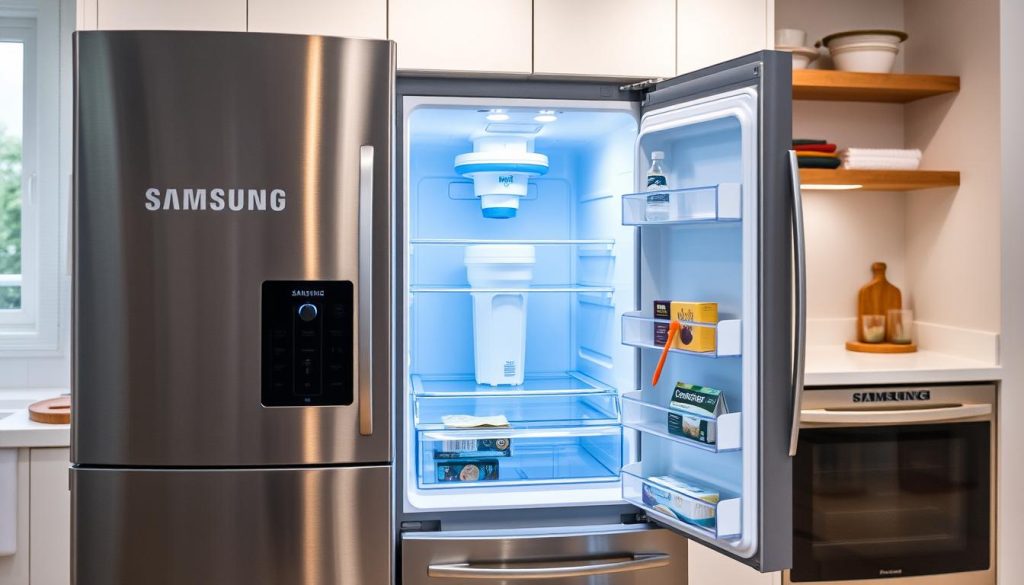
Resetting your Samsung fridge water filter needs careful planning. You’ll need the right tools and information before starting. This ensures a smooth reset process.

First, find your Samsung fridge manual. It has model-specific instructions for resetting the filter. You can also download a digital version from Samsung’s website if you lost the physical one.

  • Identify your Samsung refrigerator model number
  • Locate the user manual (printed or digital version)
  • Check the current filter status indicator
  • Gather basic tools like a clean cloth

Different Samsung models have unique reset steps. Make sure to check your model’s needs in the manual. You’ll need to ensure the fridge is plugged in and find the control panel or reset buttons.

Here are some tools you might need:

  1. Clean microfiber cloth
  2. Flashlight (for better visibility)
  3. Your refrigerator’s user manual
  4. Patience and careful attention to detail

By preparing well and knowing your model, you’ll have a successful filter reset.

How to Reset Water Filter on Samsung Fridge

Resetting the water filter on your Samsung fridge is easy. It depends on your fridge model. Knowing how to reset helps keep your water clean and your fridge working right.
Samsung Fridge Water Filter Reset Methods

First, find your fridge’s model number. This tells you the best way to reset the filter.

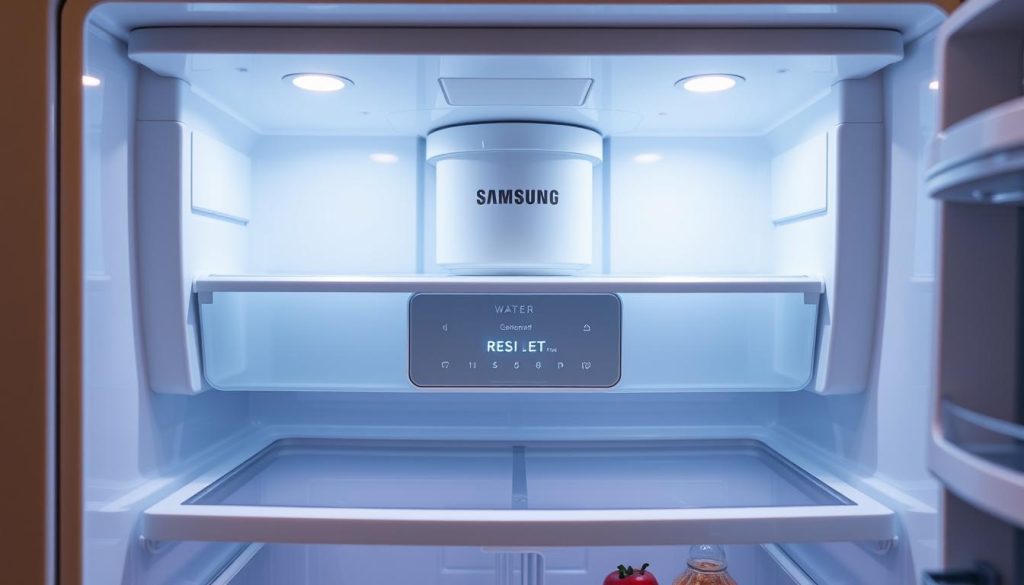
Digital Display Method

Modern Samsung fridges have a digital display for easy resets. Here’s how to do it:

  1. Find the “Filter” or “Reset” button on the control panel
  2. Press and hold it for 3-5 seconds
  3. Look for a message or light that shows it’s reset

Button Combination Method

If your fridge doesn’t have a reset button, try these button combos:

  • Press “Power Freeze” and “Refrigerator” at the same time
  • Hold for 5-7 seconds
  • Wait for a chime or light to confirm the reset

Alternative Reset Procedures

Some Samsung fridges need special reset steps. Check your manual or contact Samsung support for details.

Reset Method Typical Duration Confirmation Signal
Digital Display 3-5 seconds Screen message
Button Combination 5-7 seconds Audible chime
Manual Reset Varies Indicator light change

Make sure to reset your water filter right. This keeps your Samsung fridge running well and your water clean.

Common Issues During Filter Reset Process

Dealing with Samsung fridge troubleshooting can be tough, especially with filter reset problems. Users often see specific error messages that can stop the filter replacement. Knowing these common issues helps make the reset smoother.

Filter reset problems show up in a few main ways. Spotting and fixing these issues can save a lot of time. It also helps avoid water filtration problems.

  • Unresponsive Reset Button: Press and hold for 3-5 seconds
  • Error Code Display: Check user manual for specific meanings
  • Persistent Warning Lights: Might indicate incomplete reset

Samsung fridge error messages can pop up for many reasons. Here’s a detailed look at possible problems:

Error Message Potential Cause Recommended Action
Filter Reset Unavailable Improper filter installation Remove and reinstall filter carefully
Filter Status Stuck Electronic system glitch Perform power cycle on refrigerator
Reset Button Unresponsive Control panel malfunction Check electrical connections

Fixing Samsung fridge problems needs patience and a careful approach. If simple resets don’t work, reach out to Samsung customer support for help.

Maintaining Your Samsung Fridge Water Filter

Keeping your Samsung fridge in top shape is key for clean drinking water and the fridge’s best performance. Your fridge’s water filter needs regular care to keep the water clean and the filter working well.

Recommended Maintenance Schedule

Changing your water filter is a big part of fridge care. Experts say to replace it every six months or after filtering about 300 gallons of water. This keeps the water quality high and stops contaminants from building up.

  • Replace filter every 6 months
  • Check filter indicator lights regularly
  • Track water usage between replacements

Water Quality Monitoring

Testing the water quality regularly shows how well your filter is working. Look out for changes in taste, less water flow, or strange smells. These signs mean it’s time for a new filter.

Water Quality Indicator Action Required
Unusual taste Check and potentially replace filter
Reduced water pressure Inspect filter for blockages
Discolored water Immediate filter replacement needed

Filter Replacement Best Practices

When you replace the filter, use these tips: always choose genuine Samsung filters, clean the housing before putting in the new filter, and follow the maker’s instructions for a good fit and function.

  1. Purchase authentic Samsung filters
  2. Turn off water supply before replacement
  3. Clean filter housing thoroughly
  4. Install new filter carefully
  5. Flush new filter before use

Conclusion

Keeping your Samsung fridge water filter clean is key for fresh water and a working fridge. Regularly resetting and replacing the filter is important. It affects the quality of your drinking water.

The importance of filter reset is huge. By resetting it right, you keep your family safe from harmful stuff. It also keeps your fridge’s water system working well. Clean water means more than just drinking it; it gives you peace of mind.

Sticking to a maintenance plan stops water and fridge problems. Those who take care of their Samsung water filter enjoy better-tasting water. They also see less sediment and a better fridge performance.

Learning and doing the right water filter care is easy but powerful. It keeps your family healthy and your fridge running longer. Be proactive, follow the maker’s advice, and get the best water filtration with little effort.
How to Reset Your Samsung Washer in 3 Easy Steps

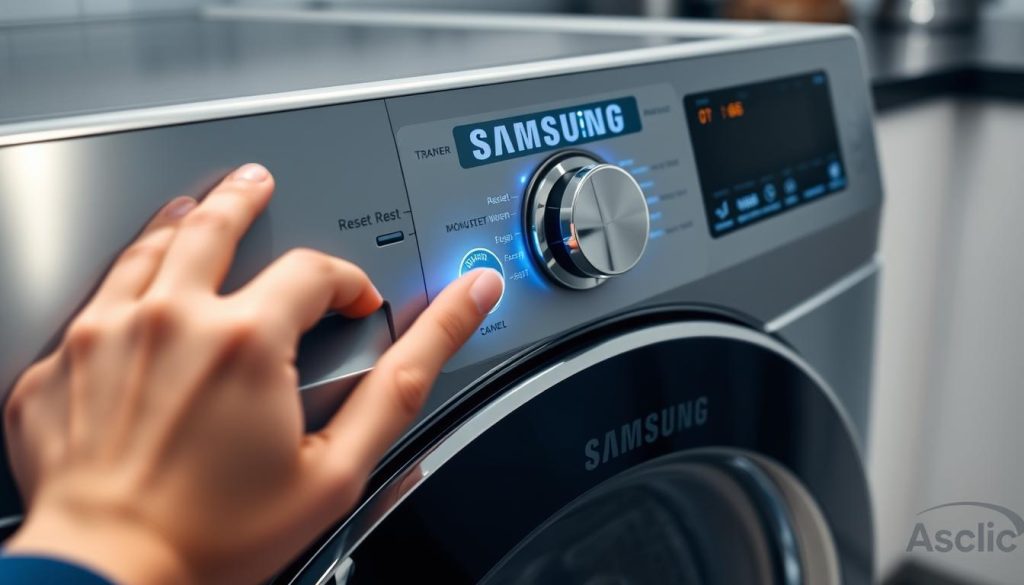
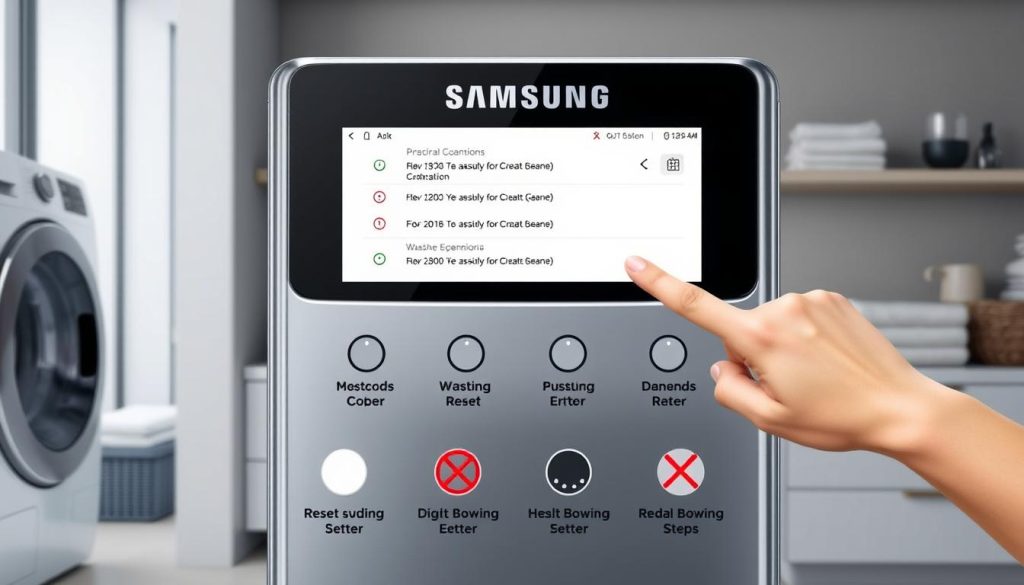
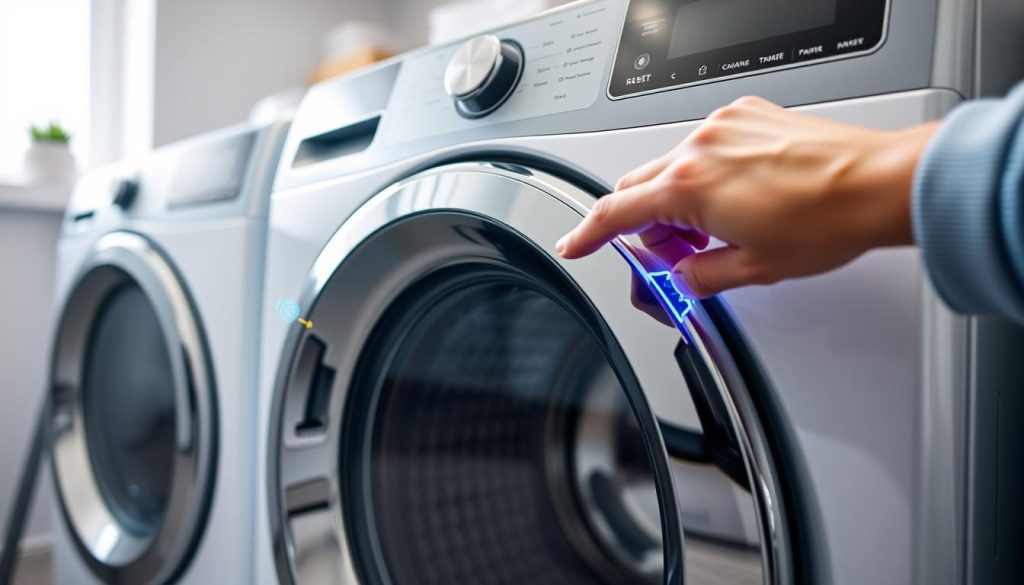
Dealing with a Samsung washing machine that’s not working right can be really frustrating. If you see error codes or notice it’s not working well, resetting it might help. It could save you time and money on repairs. Knowing how to reset your Samsung washer is a must for any homeowner. These modern machines sometimes need a quick reset to fix small problems. This guide will show you how to do a simple reset easily.

Washers can sometimes have software issues that stop them from working right. Learning how to reset it helps you fix problems fast, without needing a technician right away. Follow these steps to tackle most common issues with confidence.

Our guide offers different reset methods for various Samsung washer models. You’ll learn how to do soft resets and factory resets. These steps will help get your washer working like new again and solve unexpected problems.

Understanding When to Reset Your Samsung Washer

Knowing when to reset your Samsung washer can save you time and prevent damage. Samsung washers are advanced machines that sometimes need a reset to work their best.

Samsung Washer Error Code Reset Guide

Modern Samsung washers have smart diagnostic systems that use error codes to talk to you. It’s important to know these codes to keep your washer running smoothly.

Common Error Codes That Require a Reset

  • Error Code 4E: Water supply interruption
  • Error Code 5E: Door lock malfunction
  • Error Code 1E: Control board communication issue
  • Error Code OE: Drainage problem

Signs Your Washer Needs a Reset

Look for these signs to know when to reset your Samsung washer:

  1. Unusual noises during operation
  2. Unexpected stopping mid-cycle
  3. Control panel unresponsive
  4. Persistent performance issues

Different Types of Samsung Washer Resets

Reset Type Washer Model Difficulty Level
Soft Reset Front Load Easy
Hard Reset Top Load Moderate
Factory Reset All Models Advanced

Knowing these reset methods helps you fix technical problems fast. It keeps your Samsung washer running at its best.

Reset Samsung Washer: Step-by-Step Guide

Resetting your Samsung washer can fix many issues and make it work like new. It helps with control panel problems and drainage issues. Knowing how to reset can save you a lot of time and stress.

Samsung Washer Reset Methods

There are different reset methods for Samsung washers. Learning these can help you fix problems quickly.

Soft Reset Method

A soft reset is great for minor issues:

  • Unplug the washer from the electrical outlet
  • Wait about 1-2 minutes
  • Plug the washer back in
  • Choose a new cycle to start

Hard Reset Instructions

For serious problems, a hard reset is needed:

  1. Press and hold the “Power” button for 10 seconds
  2. Release the button
  3. Wait for the washer to reboot fully
  4. See if the error is fixed

Factory Reset Process

A full reset brings back factory settings:

Step Action
1 Make sure the washer is plugged in
2 Press the “Power” button
3 Hold “Temp” and “Spin” buttons together
4 Hold for 3-5 seconds until the display changes
5 Check if the factory reset is complete

Always check your Samsung washer’s manual for exact reset steps. Procedures can differ between models and types.

Quick Solutions for Samsung Washer Control Panel Issues

Samsung Washer Control Panel Reset

Dealing with control panel problems can be frustrating for Samsung washer owners. Learning how to reset the control panel can save you time and avoid unnecessary service calls.

Control panel issues often come from electrical problems or user interface bugs. The reset feature for child lock is very helpful when buttons don’t work or settings get stuck.

Common Control Panel Problems

  • Unresponsive buttons
  • Error codes displaying unexpectedly
  • Child lock activation preventing normal operation
  • Display screen freezing or going blank

Quick Reset Techniques

  1. Unplug the washer for 1-2 minutes to perform a basic reset
  2. Press and hold the child lock button for 3-5 seconds to disengage
  3. Check circuit breaker for potential electrical interruptions
Problem Recommended Action
Frozen Control Panel Disconnect power for 5 minutes
Child Lock Activated Press and hold child lock button
Persistent Error Codes Perform full system reset

If basic reset methods don’t work, check your Samsung washer manual or contact customer support. They can give you steps tailored to your model.

Troubleshooting After Performing a Reset

After trying a samsung washer factory reset, you might face some unexpected problems. Knowing how to deal with these issues can save you time and stress with your appliance.

What to Do If Reset Doesn’t Work

If a reset samsung washer doesn’t fix your problems, follow these steps:

  • Check power connections and circuit breaker
  • Verify water supply is fully operational
  • Examine washer door seal for any damages
  • Inspect control panel for visible electrical issues

Preventing Future Reset Issues

Regular maintenance can help avoid frequent resets. Here are some tips:

  1. Clean washer drum monthly
  2. Use manufacturer-recommended detergents
  3. Avoid overloading washing machine
  4. Schedule annual professional inspections

When to Contact Professional Service

Some problems need a pro’s help. Call a technician if you see:

Issue Recommended Action
Persistent error codes Schedule diagnostic assessment
Electrical component failures Immediate professional repair
Water leakage after reset Urgent technical evaluation

While you can fix many issues yourself, some complex problems need a pro. This prevents damage to your Samsung washer.

Conclusion

Resetting a Samsung washing machine is easier than you think. By knowing the right steps, you can fix most problems quickly. The methods we’ve shared help you solve unexpected issues.

Learning to reset your Samsung washer keeps it running well. Whether it’s error codes or other problems, these techniques can save you time and money. Each reset method has its own purpose, from soft resets to factory resets.

Regular maintenance is key to keeping your Samsung washer in great shape. Knowing when and how to reset helps a lot. Always check your user manual and get professional help for tough issues.

With the right knowledge, you can handle and maintain your Samsung washer effectively. Remember, patience and careful steps are essential for successful appliance care.

Protect Your Phone in Style with Kate Spade iPhone 16 Pro Cases

If you own the sleek new iPhone 16 Pro, it’s likely that you’re searching for the ideal case that complements your personal style and provides exceptional protection. Enter Kate Spade New York—a brand synonymous with sophistication and playful elegance. Known for their unique approach to design, Kate Spade’s iPhone 16 Pro cases are here to turn your phone into a stylish accessory you can’t wait to show off.

kate spade iphone 16 pro cases

Why choose Kate Spade’s iPhone 16 Pro Cases?

For decades, the fashion world has trusted Kate Spade, and their tech accessories are no different. Here are some reasons why Kate Spade cases are an excellent choice for your iPhone 16 Pro:

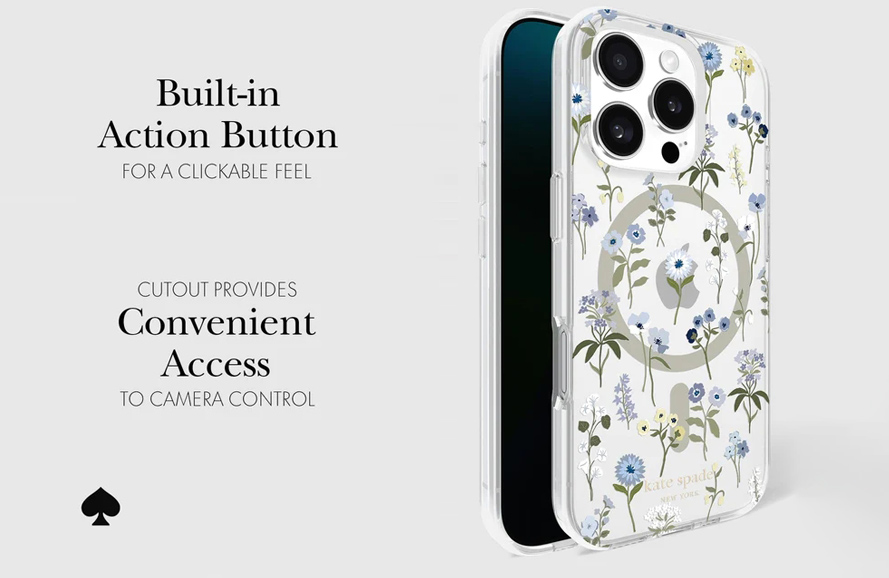
  • Chic Designs: From whimsical polka dots to timeless florals and glitter accents, Kate Spade offers designs that cater to every aesthetic.
  • Durable Materials: These cases aren’t just about looks—they’re built with high-quality materials to protect your phone from everyday wear and tear.
  • Slim Fit: Kate Spade cases are known for their slim profile, ensuring that your iPhone 16 Pro maintains its sleek design without added bulk.
  • Brand Trust: As a household name in luxury fashion, Kate Spade delivers not only style but also reliability and quality.

Top Features of Kate Spade iPhone 16 Pro Cases

Kate Spade cases for the iPhone 16 Pro come packed with features that make them both functional and fabulous:

  • Shock Absorption: To protect your device from unintentional drops, many of these cases feature shock-resistant bumpers.
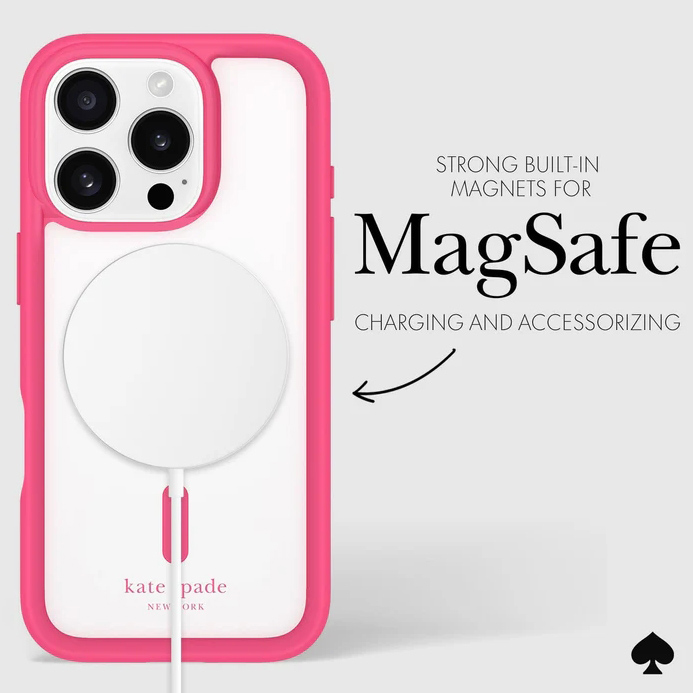
  • Wireless Charging Compatibility: You won’t need to remove your case to charge wirelessly, making life that much easier.

kate spade iphone 16 cases feature

  • Precise Cutouts: We meticulously craft each case to ensure easy access to all ports, buttons, and the camera.
  • Sustainability Options: Kate Spade is increasingly incorporating sustainable materials in their designs, allowing you to make an eco-conscious choice.

Best-Selling Designs

Kate Spade’s iPhone 16 Pro cases offer a wide range of styles to suit every personality. Here are a few fan favorites:

  • Glitter Ombre: This dazzling case features a gradient glitter finish that’s perfect for those who love a little sparkle in their lives.
  • Hollyhock Floral: A soft yet vibrant floral design that adds a touch of elegance to your everyday look.
  • Spade Flower Monogram: For a classic, understated vibe, the iconic spade flower design is a top pick.
  • Confetti Dot Clear Case: This transparent case with playful dots lets your iPhone’s color shine through while adding a humorous twist.

Caring for your Kate Spade case

To keep your Kate Spade case looking as fresh as the day you bought it, follow these simple care tips:

  • Wipe it regularly with a soft, damp cloth to remove dirt and smudges.
  • Avoid harsh chemicals or abrasive materials that could damage the design.
  • Store your phone away from direct sunlight to prevent discoloration over time.

Where to Buy

Kate Spade iPhone 16 Pro cases are available at major retailers across the United States, including the Kate Spade website, Apple stores, and department stores like Nordstrom and Macy’s. You can also find a wide selection on e-commerce platforms such as Amazon.

Conclusion

Your iPhone 16 Pro deserves the best, and a Kate Spade case offers a delightful combination of fashion and functionality. With chic designs, durable protection, and thoughtful features, these cases let you express your personality while keeping your phone safe.

Whether you prefer glittery glam or classic elegance, a Kate Spade iPhone 16 Pro case awaits your selection. So why wait? Elevate your phone game today!

Where to Get the iPhone 16 Manual Printable for Free

A comprehensive iPhone 16 user manual is essential for effective device usage, offering detailed instructions on the iPhone 16’s various features and functionalities. From initial setup to mastering advanced functions, a user manual serves as an invaluable resource. It helps users navigate through the device’s capabilities, troubleshoot common issues, and optimize their overall experience.

iphone 16 manual

In this blog post, we will guide you on where to find a free printable manual for iPhone 16, ensuring you can fully leverage your device’s capabilities without any hassle.

Download iPhone 16 Manual from Official Apple Resources

Apple’s official website and support page are the most reliable sources for obtaining the iPhone 16 manual. The company’s dedication to providing top-notch customer support is evident through its comprehensive online resources.

By visiting the Apple Support website, users can access a wealth of information, including user guides, troubleshooting tips, and software updates.

The official iPhone 16 manual is meticulously crafted by Apple’s experts, ensuring it contains accurate and up-to-date information.

To access the iPhone 16 manual directly from Apple, follow these simple steps:

  • Visit the Apple Support website.
  • Navigate to the “Manuals” section under the “Support” tab.
  • Select “iPhone” from the list of products.
  • Choose “iPhone 16” from the available options.
  • Click on the link to download the PDF manual.

Using the official manual offers several benefits. First and foremost, it ensures you are getting accurate and reliable information straight from the source.

Apple’s manuals are regularly updated to reflect the latest software changes and enhancements, providing you with the most current and relevant guidance.

Additionally, the official manual includes detailed illustrations and step-by-step instructions, making it easier to understand and follow. Accessing Apple’s resources ensures data integrity.

Third-Party Websites

In addition to Apple’s official resources, there are several reputable third-party websites that offer free iPhone 16 manuals.

These platforms often provide a variety of user guides and instructional materials that can be extremely helpful.

However, it is crucial to ensure the reliability and safety of these sources before downloading any documents.

Reputable websites typically have a strong online presence, positive user reviews, and a history of providing accurate and helpful content.

When using third-party websites, it is essential to take certain precautions to ensure the safety of your device and personal information.

Always download manuals from well-known and reputable sites to avoid potential malware or phishing threats.

Check user reviews and ratings to gauge the reliability of the source. Additionally, compare the features and content available in different manuals to select the one that best suits your needs.

Some manuals may offer additional tips, tricks, and troubleshooting advice that can enhance your overall user experience.

Community forums and user groups

Online forums and communities dedicated to Apple products are another excellent resource for finding the iPhone 16 manual. These platforms are often filled with passionate Apple users who are eager to share their knowledge and experiences.

Community-driven content can be incredibly valuable, offering practical insights and real-world advice that may not be available in official manuals.

Participating in these forums allows you to access a wealth of shared resources and links to the iPhone 16 manual.

To find shared resources and links to the iPhone 16 manual, consider joining these popular Apple communities:

  • Apple supports communities: The official Apple forum is where users can ask questions, share tips, and access various resources, including user manuals.
  • Reddit’s r/apple: This subreddit is a hub for Apple news, discussions, and user-shared resources, including links to manuals and guides.

The advantages of community-driven content and user experiences are manifold. These forums often feature discussions on common issues and their solutions, allowing you to learn from the experiences of others. You can find tips and tricks that may not be covered in official manuals, providing a more comprehensive understanding of your device.

Additionally, community forums foster a sense of camaraderie among users, creating a supportive environment where you can seek help and advice.

Conclusion

Having access to the iPhone 16 manual is crucial for unlocking the full potential of your device. Whether you are a new user or an experienced one, a comprehensive manual provides the guidance needed to navigate the various features and functionalities of the iPhone 16 effectively.

Using the resources mentioned in this blog post, you can easily obtain a free, printable manual PDF for your device.

We encourage you to explore Apple’s official resources for the most accurate and reliable information. Additionally, reputable third-party websites and community forums offer valuable insights and shared experiences that can enhance your understanding of the iPhone 16. To maximize your iPhone 16 experience, use these resources for guidance and information.

The Ultimate Guide: Samsung Galaxy S24 Ultra User Manual for a Seamless Experience

Whether you’re a tech enthusiast or simply looking for a reliable and user-friendly smartphone, the Galaxy S24 Ultra is an excellent choice. In this comprehensive guide, we’ll delve into the world of the phone, exploring its features, specifications, and Samsung Galaxy S24 Ultra user manual to ensure a seamless experience for all users.

The Importance of Samsung Galaxy S24 Ultra User Manual

The user manual is a crucial component of any electronic device, serving as a comprehensive guide that helps users navigate and utilize the device’s features effectively. The Samsung S24 Ultra manual is no exception, providing detailed information on how to set up, customize, and troubleshoot the device.

samsung galaxy s24 ultra user manual

Users can gain a deeper understanding of the device’s capabilities by consulting the user manual, ensuring they get the most out of their device experience. Moreover, the Samsung S24 Ultra user guide is an invaluable resource for troubleshooting common issues and resolving technical problems, making it an essential tool for any Galaxy S24 Ultra user.

Where can you download the Samsung S24 Ultra User Manual?

The S24 Ultra user manual is readily available for download from various sources. Users can access the manual directly from the Samsung website, where it is provided in multiple languages and formats, including PDF and HTML.

Additionally, users can also find the manual on the device itself by navigating to the Settings menu and selecting the “Help” or “Support” option. Furthermore, many online retailers and tech forums also offer the user manual for download, making it easily accessible to all users.

Understanding the features and specifications of the Samsung S24 Ultra

The Samsung Galaxy S24 Ultra boasts an impressive array of features and specifications that set it apart from other smartphones on the market. With its powerful Qualcomm Snapdragon 888 processor, the device offers lightning-fast performance and seamless multitasking capabilities.

The device also features a stunning 6.8-inch dynamic AMOLED display, offering vibrant colors and crisp visuals. Additionally, the Galaxy S24 Ultra comes equipped with a quad-camera setup, featuring a 108MP primary sensor, a 40MP front camera, and support for 8K video recording.

With its advanced features and specifications, the Galaxy S24 Ultra is an excellent choice for users who demand the best from their smartphones.

Utilizing the Samsung S24 Ultra’s Advanced Features

The Samsung Galaxy S24 Ultra provides an extensive array of cutting-edge functionalities and features that elevate the user experience. Support for 5G connectivity is a prominent attribute of the device, providing users with the ability to benefit from enhanced data speeds and uninterrupted connectivity.

In addition, the Galaxy S24 Ultra is equipped with a substantial 5000mAh battery, which prolongs its operational time and reduces the frequency with which it must be recharged. Additionally, the device is equipped with fast charging and wireless charging capabilities, facilitating the task of recharging it while in motion.

By making use of these sophisticated functionalities, individuals can fully exploit the capabilities of their Galaxy S24 Ultra and relish a smooth and pleasurable mobile journey.

Tips and Tricks for Maximizing Your Samsung S24 Ultra Experience

To get the most out of your Samsung Galaxy S24 Ultra, it’s essential to understand how to utilize its advanced features and optimize its performance. Here are a few tips and tricks to help you maximize your Galaxy S24 Ultra experience:

  • Customize your home screen by adding widgets and shortcuts to frequently used apps.
  • Use the device’s built-in screen recording feature to capture tutorials or gameplay.
  • Enable the device’s dark mode to conserve battery life and reduce eye strain.
  • Utilize the device’s built-in AI-powered camera features, such as Super Steady video stabilization.
  • Explore the device’s extensive settings menu to customize and personalize your experience.

Conclusion and Final Thoughts

The Samsung Galaxy S24 Ultra is a powerful and feature-rich smartphone that delivers an unrivaled mobile experience. By reading the user manual and understanding the device’s features and specifications, users can maximize the capabilities of their Galaxy S24 Ultra and enjoy a seamless and enjoyable mobile experience.

The Galaxy S24 Ultra is a great option for anyone who enjoy technology or are just searching for a dependable and easy-to-use smartphone. This device, with its advanced features, impressive specifications, and detailed user manual, is poised to change the way people interact with their mobile devices.