Dealing with a Samsung washing machine that’s not working right can be really frustrating. If you see error codes or notice it’s not working well, resetting it might help. It could save you time and money on repairs. Knowing how to reset your Samsung washer is a must for any homeowner. These modern machines sometimes need a quick reset to fix small problems. This guide will show you how to do a simple reset easily.
Washers can sometimes have software issues that stop them from working right. Learning how to reset it helps you fix problems fast, without needing a technician right away. Follow these steps to tackle most common issues with confidence.
Our guide offers different reset methods for various Samsung washer models. You’ll learn how to do soft resets and factory resets. These steps will help get your washer working like new again and solve unexpected problems.
Understanding When to Reset Your Samsung Washer
Knowing when to reset your Samsung washer can save you time and prevent damage. Samsung washers are advanced machines that sometimes need a reset to work their best.
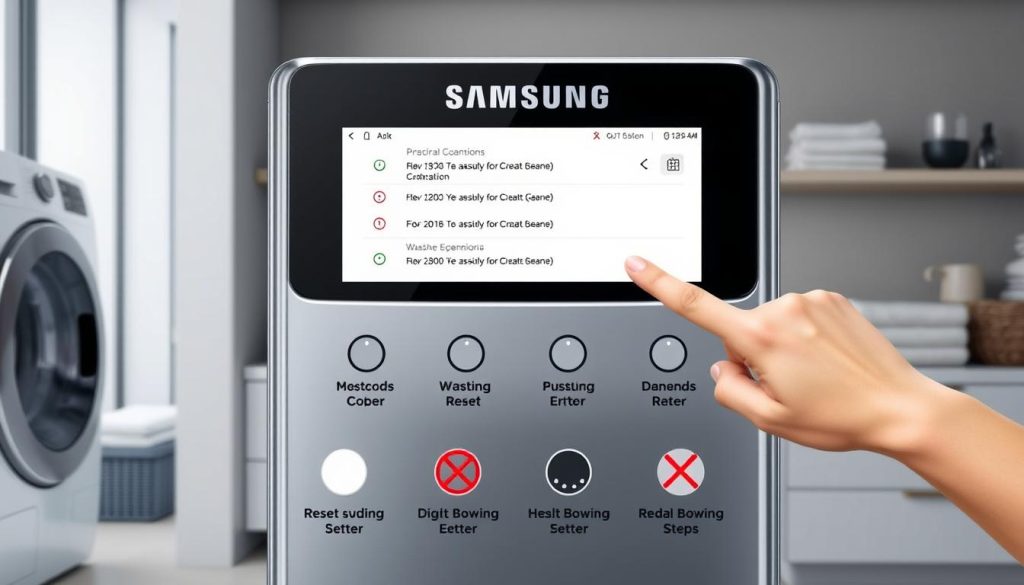
Modern Samsung washers have smart diagnostic systems that use error codes to talk to you. It’s important to know these codes to keep your washer running smoothly.
Common Error Codes That Require a Reset
- Error Code 4E: Water supply interruption
- Error Code 5E: Door lock malfunction
- Error Code 1E: Control board communication issue
- Error Code OE: Drainage problem
Signs Your Washer Needs a Reset
Look for these signs to know when to reset your Samsung washer:
- Unusual noises during operation
- Unexpected stopping mid-cycle
- Control panel unresponsive
- Persistent performance issues
Different Types of Samsung Washer Resets
| Reset Type | Washer Model | Difficulty Level |
|---|---|---|
| Soft Reset | Front Load | Easy |
| Hard Reset | Top Load | Moderate |
| Factory Reset | All Models | Advanced |
Knowing these reset methods helps you fix technical problems fast. It keeps your Samsung washer running at its best.
Reset Samsung Washer: Step-by-Step Guide
Resetting your Samsung washer can fix many issues and make it work like new. It helps with control panel problems and drainage issues. Knowing how to reset can save you a lot of time and stress.
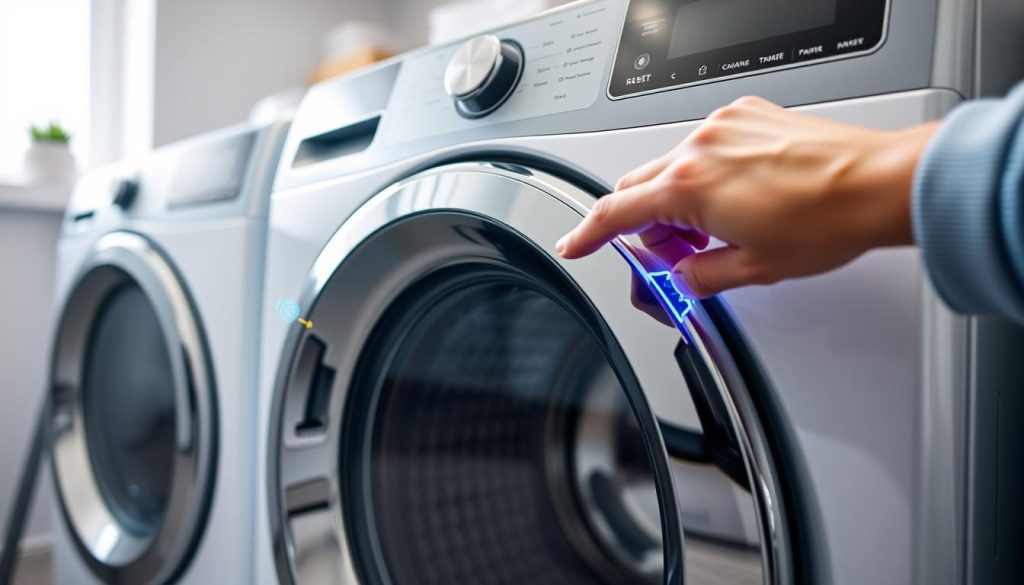
There are different reset methods for Samsung washers. Learning these can help you fix problems quickly.
Soft Reset Method
A soft reset is great for minor issues:
- Unplug the washer from the electrical outlet
- Wait about 1-2 minutes
- Plug the washer back in
- Choose a new cycle to start
Hard Reset Instructions
For serious problems, a hard reset is needed:
- Press and hold the “Power” button for 10 seconds
- Release the button
- Wait for the washer to reboot fully
- See if the error is fixed
Factory Reset Process
A full reset brings back factory settings:
| Step | Action |
|---|---|
| 1 | Make sure the washer is plugged in |
| 2 | Press the “Power” button |
| 3 | Hold “Temp” and “Spin” buttons together |
| 4 | Hold for 3-5 seconds until the display changes |
| 5 | Check if the factory reset is complete |
Always check your Samsung washer’s manual for exact reset steps. Procedures can differ between models and types.
Quick Solutions for Samsung Washer Control Panel Issues
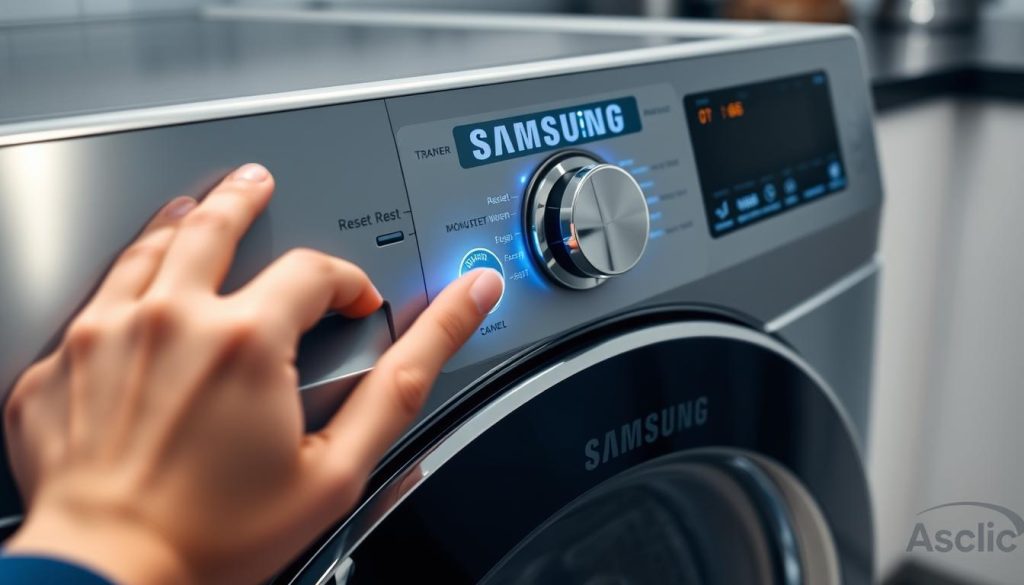
Dealing with control panel problems can be frustrating for Samsung washer owners. Learning how to reset the control panel can save you time and avoid unnecessary service calls.
Control panel issues often come from electrical problems or user interface bugs. The reset feature for child lock is very helpful when buttons don’t work or settings get stuck.
Common Control Panel Problems
- Unresponsive buttons
- Error codes displaying unexpectedly
- Child lock activation preventing normal operation
- Display screen freezing or going blank
Quick Reset Techniques
- Unplug the washer for 1-2 minutes to perform a basic reset
- Press and hold the child lock button for 3-5 seconds to disengage
- Check circuit breaker for potential electrical interruptions
| Problem | Recommended Action |
|---|---|
| Frozen Control Panel | Disconnect power for 5 minutes |
| Child Lock Activated | Press and hold child lock button |
| Persistent Error Codes | Perform full system reset |
If basic reset methods don’t work, check your Samsung washer manual or contact customer support. They can give you steps tailored to your model.
Troubleshooting After Performing a Reset
After trying a samsung washer factory reset, you might face some unexpected problems. Knowing how to deal with these issues can save you time and stress with your appliance.
What to Do If Reset Doesn’t Work
If a reset samsung washer doesn’t fix your problems, follow these steps:
- Check power connections and circuit breaker
- Verify water supply is fully operational
- Examine washer door seal for any damages
- Inspect control panel for visible electrical issues
Preventing Future Reset Issues
Regular maintenance can help avoid frequent resets. Here are some tips:
- Clean washer drum monthly
- Use manufacturer-recommended detergents
- Avoid overloading washing machine
- Schedule annual professional inspections
When to Contact Professional Service
Some problems need a pro’s help. Call a technician if you see:
| Issue | Recommended Action |
|---|---|
| Persistent error codes | Schedule diagnostic assessment |
| Electrical component failures | Immediate professional repair |
| Water leakage after reset | Urgent technical evaluation |
While you can fix many issues yourself, some complex problems need a pro. This prevents damage to your Samsung washer.
Conclusion
Resetting a Samsung washing machine is easier than you think. By knowing the right steps, you can fix most problems quickly. The methods we’ve shared help you solve unexpected issues.
Learning to reset your Samsung washer keeps it running well. Whether it’s error codes or other problems, these techniques can save you time and money. Each reset method has its own purpose, from soft resets to factory resets.
Regular maintenance is key to keeping your Samsung washer in great shape. Knowing when and how to reset helps a lot. Always check your user manual and get professional help for tough issues.
With the right knowledge, you can handle and maintain your Samsung washer effectively. Remember, patience and careful steps are essential for successful appliance care.
2 thoughts on “How to Reset Your Samsung Washer in 3 Easy Steps”